Contracts and reports
Read and edit Word files, reuse DOTX templates, preserve tracked changes and validate the OOXML package before delivery.
A Windows desktop workspace that reads documents, uses tools and delivers ready PDF, DOCX, XLSX and PPTX files. Connect a local model, your company endpoint or a cloud API — the choice stays yours.
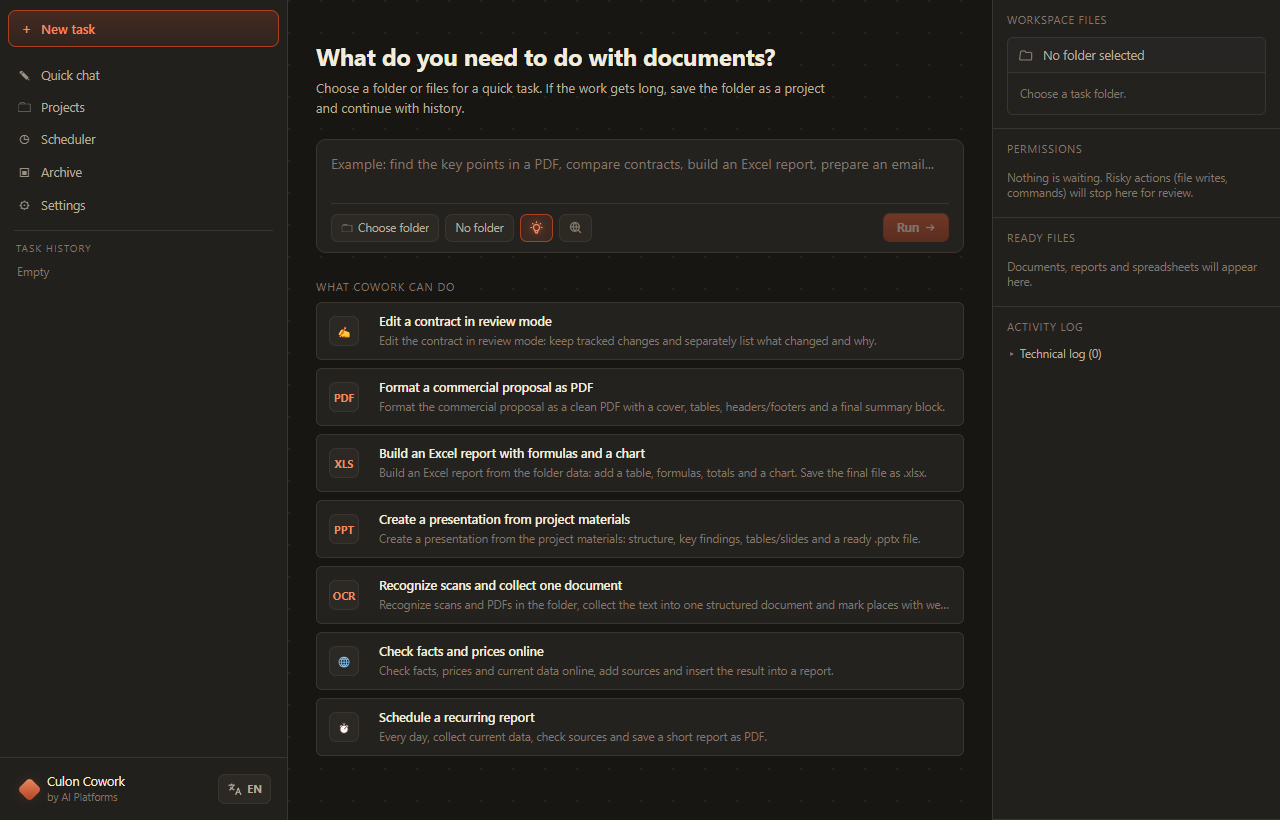
Culon Cowork is built for tasks where an answer is not enough. It opens source documents, finds the relevant facts, runs tools, creates a result file and records what happened.
Claude Cowork and the OpenAI Codex app made the desktop-agent pattern familiar: give the system a goal, a workspace and tools, then receive a finished result. Culon Cowork is an independent Windows alternative focused on documents and office workflows, without a mandatory tie to one foreign AI subscription.
The agent combines the selected model with deterministic document tools, local file access and explicit human control.
Read and edit Word files, reuse DOTX templates, preserve tracked changes and validate the OOXML package before delivery.
Extract text, recognize scanned pages in Russian and English, fill forms, inspect layout and render print-ready PDFs.
Read XLSX, XLS and CSV, build workbooks with formulas, totals, formatting and charts through the embedded document runtime.
Create or update PPTX decks, reuse POTX templates and assemble slides from project materials.
Keep a client or tender in one workspace with task history, CULON.md rules, durable memory and reusable project skills.
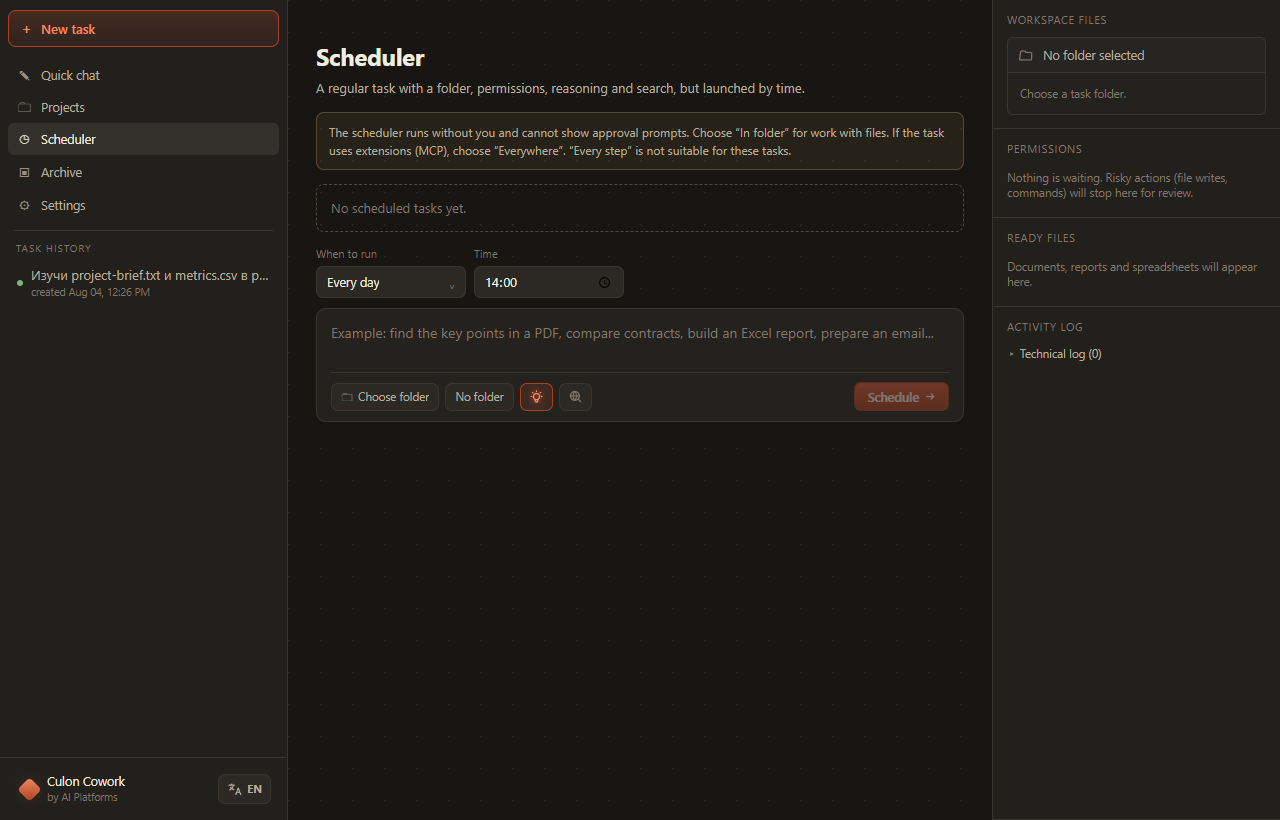
Run a task once, every day or at an interval. Keep results and history attached to the scheduled task.
Search the live web in built-in Chromium, read selected pages, cite sources and download files into the workspace.
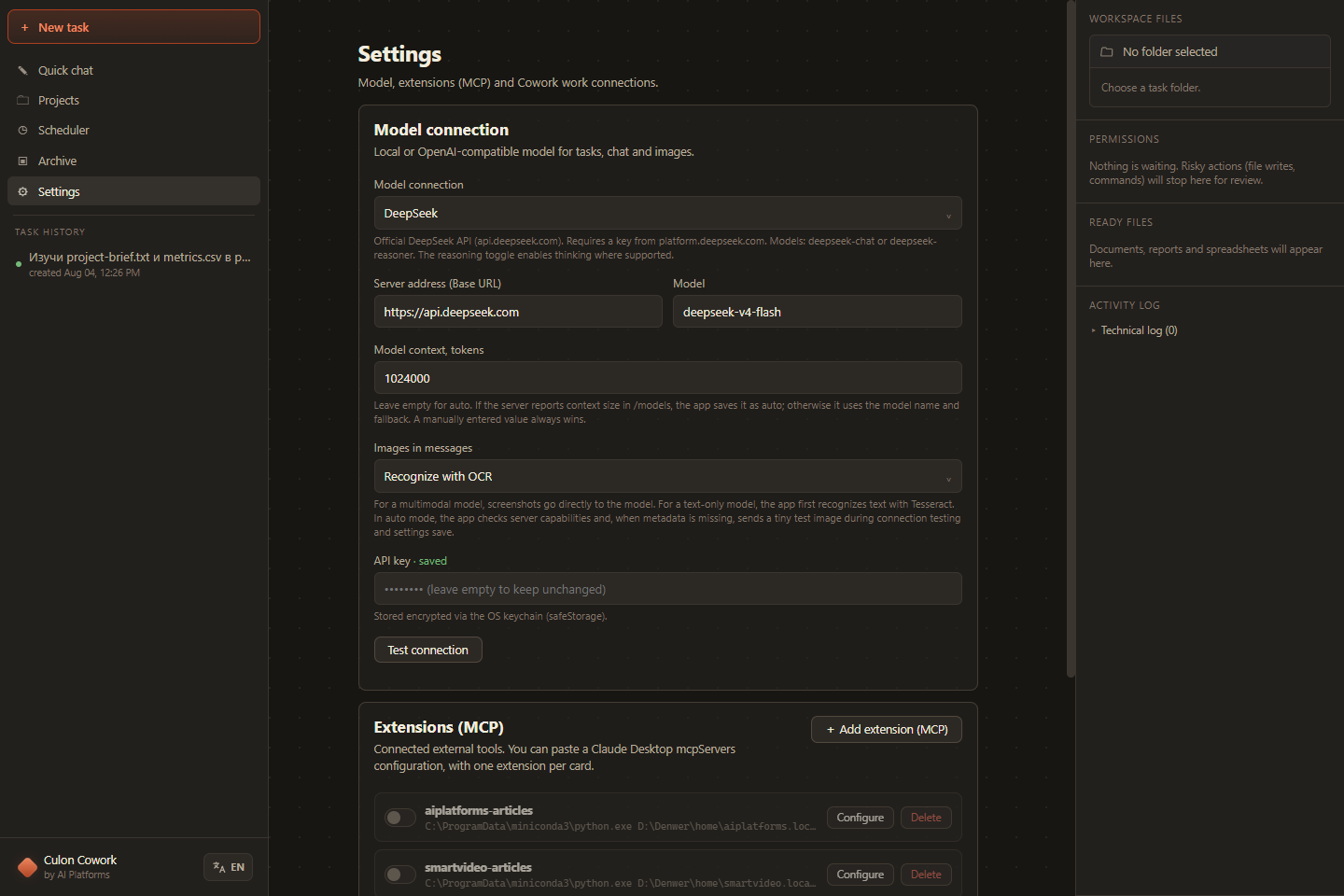
Connect local stdio or remote Streamable HTTP MCP servers and import the familiar mcpServers JSON format.
Choose a folder or open a project. The agent receives an explicit file boundary.
Ask in plain language: compare, calculate, format, check, convert or research.
Cowork reads files, calls tools and pauses for approval according to the selected mode.
Ready documents appear in the results panel with an action log and token usage.
Culon Cowork is built for multi-step document work, not just a single model response. It supervises the agent loop, workspace state and recovery path throughout the task.
Repeated tool calls, recurring errors and short action loops are detected. The model is prompted to change approach before the run is safely concluded.
The agent recovers from context overflow, a truncated tool call, output limits and overly long reasoning instead of abandoning the entire task.
When a conversation grows, Cowork retains the recent working tail plus the task state, decisions, errors and processed-file list needed to continue.
Foreground and background jobs are isolated from double starts. Interrupted scheduled runs can be restored after the application restarts.
Every tool call is classified. Reading, file writes, commands, web access and MCP actions have different rules, and operations outside the workspace are treated as higher risk.
Cowork asks before actions. Best for first runs and unfamiliar tools.
Inspection is automatic inside the workspace; result changes remain controlled.
For trusted autonomous and scheduled workflows, including enabled MCP tools.
Return to a completed step: overwritten result files are restored and files created by that step are removed. Up to ten recent job checkpoints are retained per workspace.
The application is independent of one mandatory AI subscription.
Ollama or LM Studio. No provider API key is required; the model and documents can remain local.
Connect any compatible /chat/completions service: vLLM, TGI, LiteLLM or your own gateway.
Use OpenRouter or DeepSeek when their network and data policies fit the task.
Compare versions, preserve tracked changes, list risks and prepare a review-ready DOCX.
Collect materials from a project folder and produce a branded, print-ready PDF.
Combine spreadsheets, calculate totals, add formulas and a chart, save the final XLSX.
Turn project files into a structured deck and save an editable PPTX.
Run offline OCR on Russian and English pages, assemble the text and mark low-confidence fragments.
Search the web, read selected sources, download attachments and insert verified findings into a report.
Install the application, connect a model and run the first task on a test folder. The installer and the full interface support English and Russian.
BB320F39BE863F5A127F8CD4BB6D63BED7709997C6308F1363662C122EB8DCB9Culon Cowork is an independent alternative rather than a copy. It brings the desktop agent approach — a goal, a workspace, tools and a finished deliverable — to Windows, with a focus on documents, local models, company endpoints, MCP and controlled file access.
No. Connect Ollama, LM Studio, your company OpenAI-compatible endpoint, OpenRouter or DeepSeek. This keeps the installer compact and lets you choose the model and where it runs.
Yes, when you use a local model or an endpoint available on your network. Cloud APIs and web search depend on the network access rules of the selected service.
With a local model and web search disabled, document processing can stay inside your computer or company network. Cloud providers and external MCP tools receive data required for the actions you explicitly enable.
Culon Cowork reads, creates and modifies standard Office files without automating a visible Office application. You can still open the final DOCX, XLSX and PPTX files in your usual editor.
You decide when to move to a new release. Download it from the official product page and install it at a convenient time — the working version does not change itself in the middle of a project.
No. The installer and the full interface support Russian and English, and there is no regional restriction in the application. Provider availability depends on the provider you choose.
AI Platforms can help select a model, deploy an OpenAI-compatible endpoint and adapt document workflows to your infrastructure.